

Object group
This page covers the Constellation generator, a node-based asset capsule in Cinema 4D. It turns points of a geometry, a particle group or a clone distribution into sphere-and-strut networks, making it a flexible alternative to the Atom Array for molecule graphics, plexus effects and abstract network visuals.
This node capsule evaluates an assigned geometry and can calculate cylindrical connections between its points. Spheres can also be placed on the points of the geometry. The effect is somewhat reminiscent of that of the Atom Array Generator, although the Constellation asset provides more setting options and can, for example, also evaluate the position data of a particle group or a clone distribution.
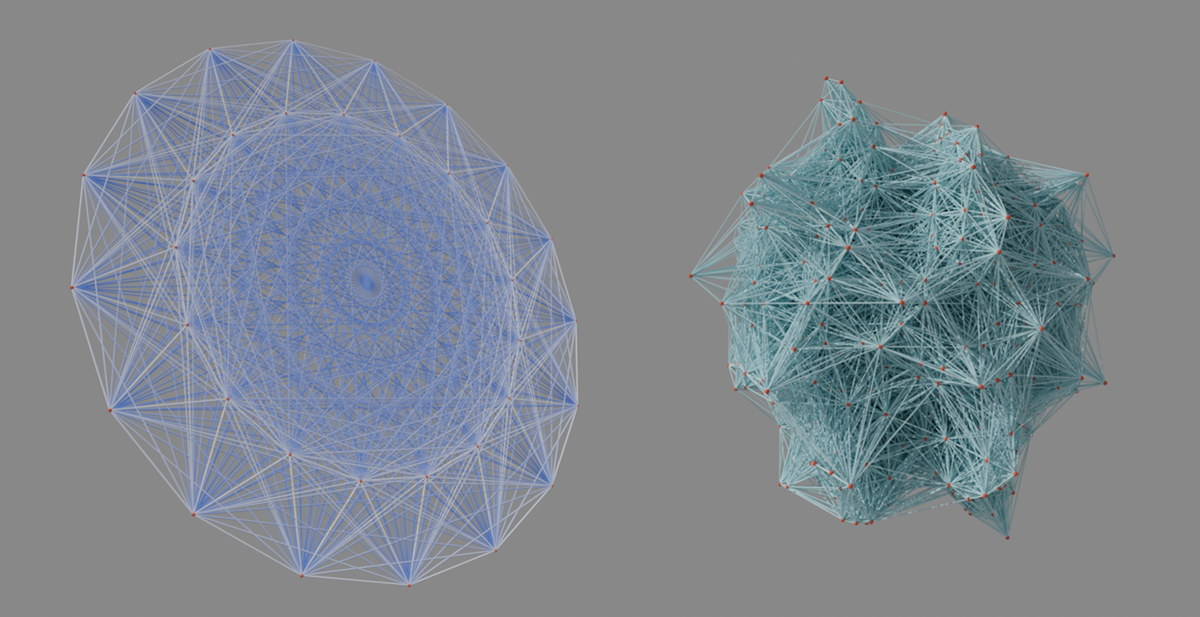 This node capsule calculates cylindrical connections between the points of an assigned geometry. This can be used for abstract visualizations such as those shown above. The position data of particles managed in particle groups can also be evaluated (shown on the right).
By default, spheres are generated on the point positions and slender cylinders as connections between them. Alternatively, you can also assign your own objects directly, which are then used instead on the point sources and as connections between them. When using the capsule asset in the Object Manager, objects can also simply be subordinated for this purpose. The first sub-object is then used to display the connections and the second sub-object is used as geometry on the point, distribution or particle positions. The following image shows an example of this. The first sub-object is a Connect generator, under which several spheres are combined. This means that individually interrupted connecting lines can also be implemented, for example.
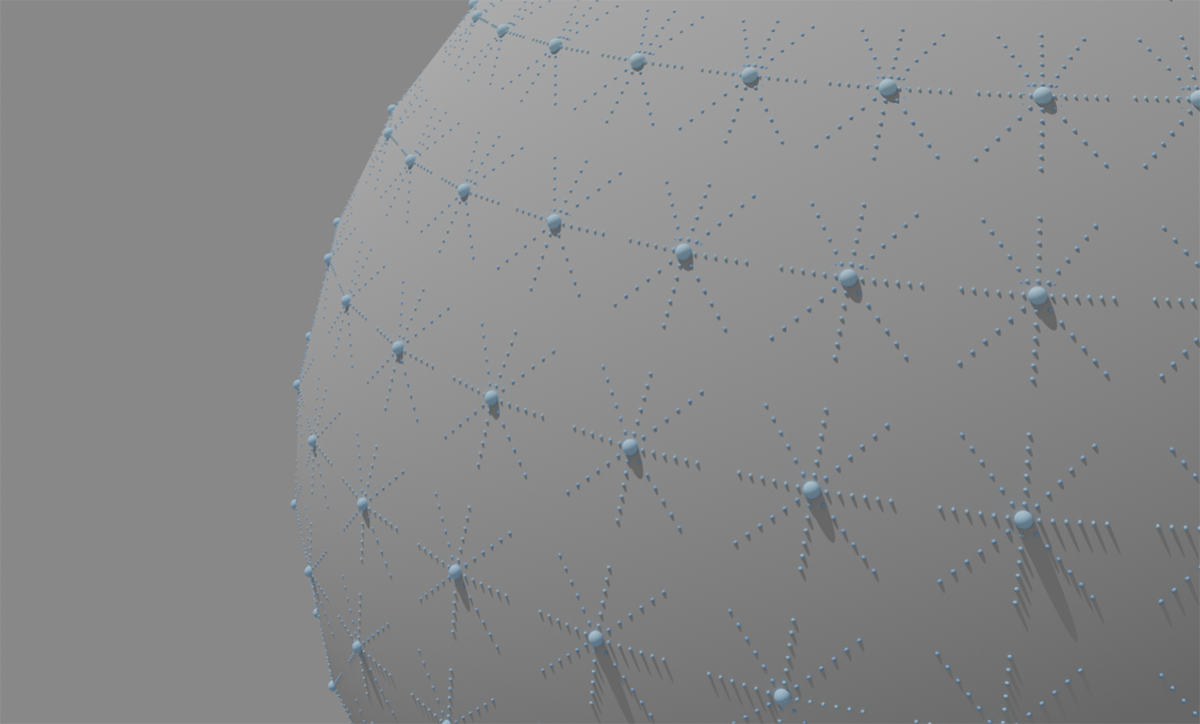 You can also assign your own geometries or objects to be used on the points and as connections.