Select
This page describes the Select node of the Scene Nodes system in Cinema 4D. It creates active component selections — with an option to hide polygons in the viewport — that subsequent modeling nodes operate on.
This Node can be used to create an active point, edge or polygon selection on a geometry. An additional mode lets you hide polygons in the Viewport. If you want to save points, edges or polygons as selections only, but do not want to select the corresponding elements on the geometry at the same time, use the Store Selection Node instead. The Node can also be used to remove an active selection or to make hidden polygons visible. To do this, simply leave the Selection String field empty in the corresponding Target mode.
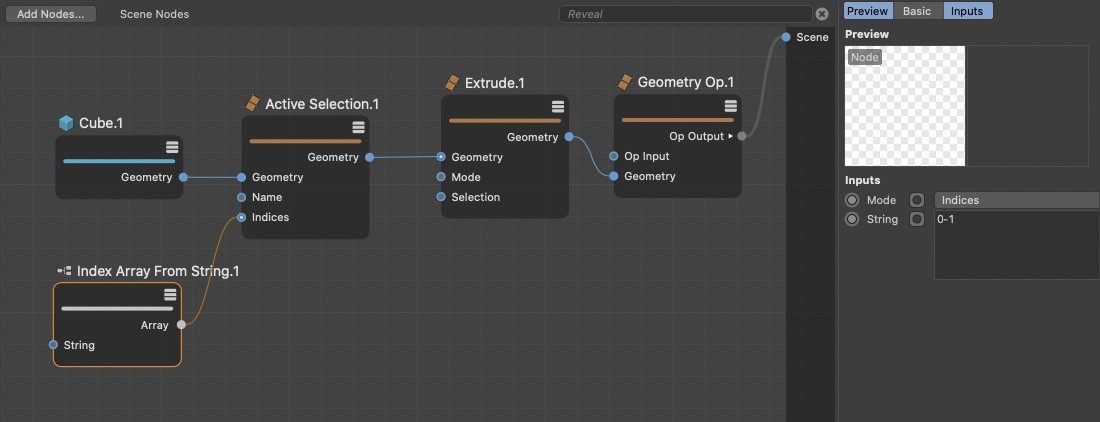 Active selections can be used to restrict tools to specific points, edges or polygons of a geometry.