

Object Properties
Adjust these values to change the size and the wall thickness of the tube.
Rotation Segments[3.00..1000.00]
The number of subdivisions of the tube around its circumference. A large value means a smoother tube with more faces.
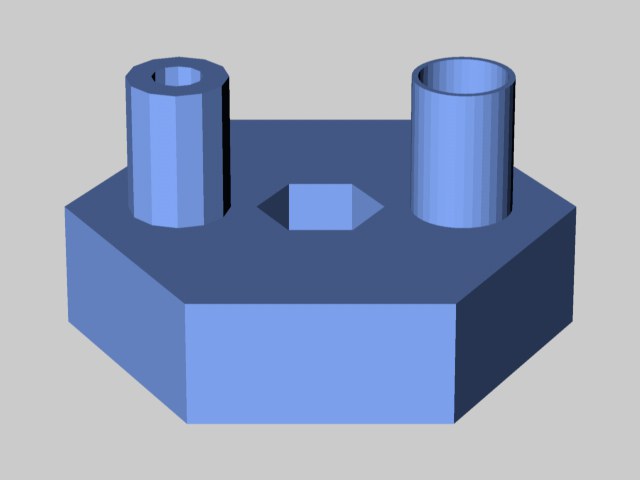 Tubes with different segment values.
Defines the number of subdivisions of the cap in a radial direction. The subdivision along the cap's circumference is given by Rotation Segments.
The tube's length.
The number of the tube's subdivisions in the Y direction.
These options define the direction in which the object will "point". Using these options it is easier - and faster - to rotate the object (without rotating the object coordinate system as well).
To fillet (i.e. round) the object's edges, enable the Fillet option.
Defines how fine the fillet appears. The more segments you specify, the smoother the fillet. To create a chamfer instead of a smooth fillet, set Segments to 1.
The radius of the curvature.