

Sun
Sets how the angle of the Sun is controlled from the following modes:
-
Directional Vector- The angle of the sun is controlled by the "Sun Direction" parameter. This ignores any rotations on the Sun & Sky object.
-
Viewport Widget- The default mode, where the angle of the sun is controlled by rotating the Sun & Sky object widget in the viewport.
-
Time and Location- The angle of the sun is controlled by the date, time, and location as configured in the "Time and Location" section.
-
Altitude and Azimuth- The angle of the sun is controlled by the Sun's "Altitude" and "Azimuth" parameters.
Controls the angle of the sun
Scales the intensity of the sun disk which in turn scales the intensity of the light cast by the sun but does not affect the sky.
This is different than the overall Intensity Multiplier which scales the intensity of the sun and sky together.
| Sun Disk Intensity: 0 - 3 |
Controls the size of the sun disk and how blurry the shadows are. Higher values increase the size of the sun disk and result in more blurry shadows while lower values decrease its size and result in sharper shadows. At low values light intensity may differ between different sun angles due to sampling changes, a value of 0 causes the sun disk to disappear completely.
| Sun Disk Scale: 0 - 30 |
A glow is rendered around the sun to add an atmospheric effect. This option scales the intensity of that glow.
| Sun Glow Intensity: 0 - 5 |
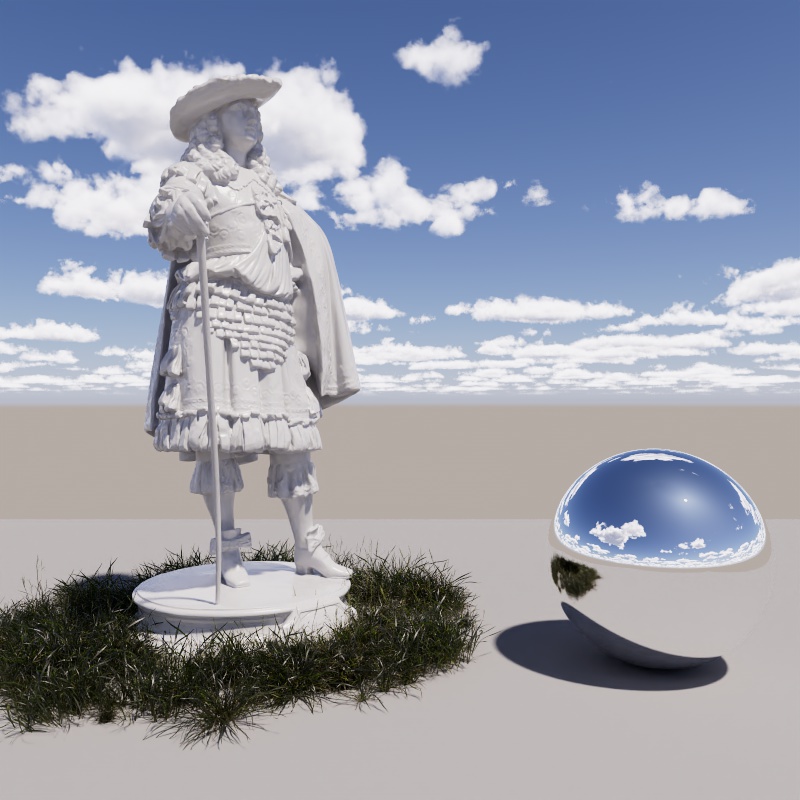
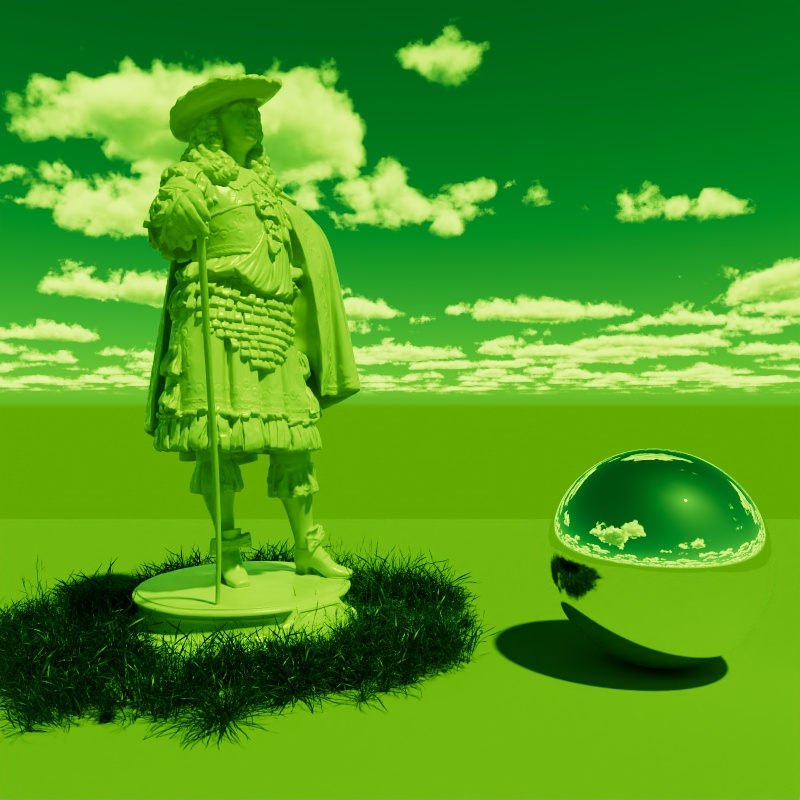
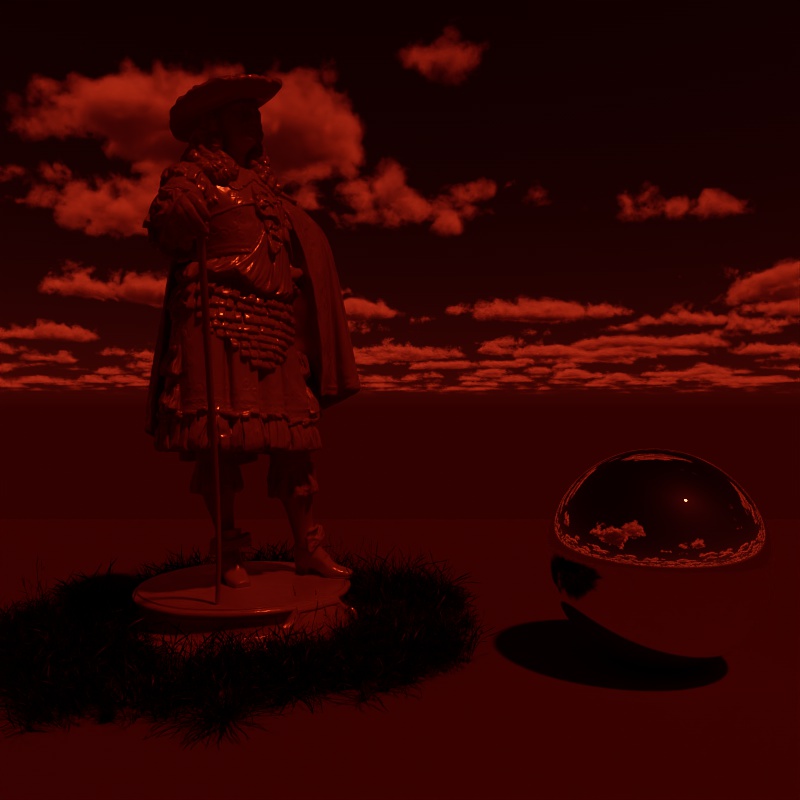
Adds a color tint to the sun light and sky, by default, white results in no color tint. Please note that the brightness of the color tint affects the brightness of the sun, when black is used it blocks all light.
|
|
|
| Sun Tint: White (default) | Green | Dark Red |
Only available when using the "Altitude and Azimuth" Position Mode.
Controls the vertical position of the sun in the sky using degrees. The horizon rests at 0°, positive values place the sun above the horizon while negative values place the sun below the horizon.
| Changing the Sun Altitude |
Only available when using the "Altitude and Azimuth" Position Mode.
Controls the horizontal position of the sun in the sky using degrees. True North is found at 0°, positive values move the sun East (90°) while negative values move the sun West (-90°), South is found at 180°.
True North defaults to the +Z direction in the scene and can be repositioned in the Time and Location section using the North Offset parameter.
| Changing the Sun Azimuth |