
Landscape Object
What is it about?
This page covers the Landscape object in Cinema 4D. It generates fractal terrain — craggy mountains to rolling hills — as a parametric primitive, a quick base for environments, backgrounds and material tests.

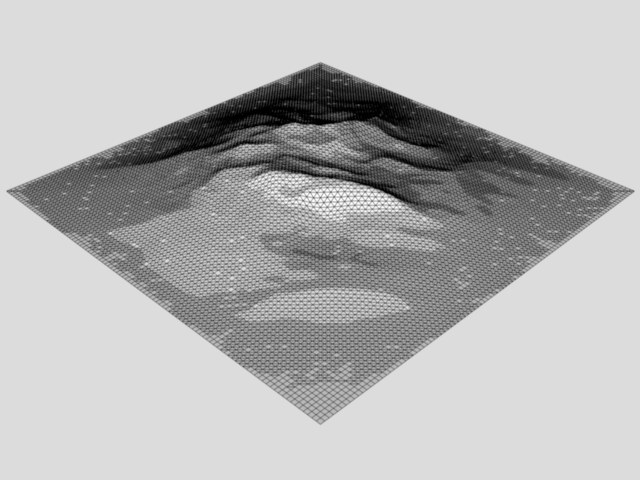
Use this command to create a landscape in the XZ plane — from craggy mountains to gentle slopes. Fractals are used to generate the landscape.
Interactive editing
The landscape initially has three handles:
- Drag handle (1) to change the width (X),
- Drag handle (2) to change the height (Y).
-
Drag handle (3) to change the depth (Z).
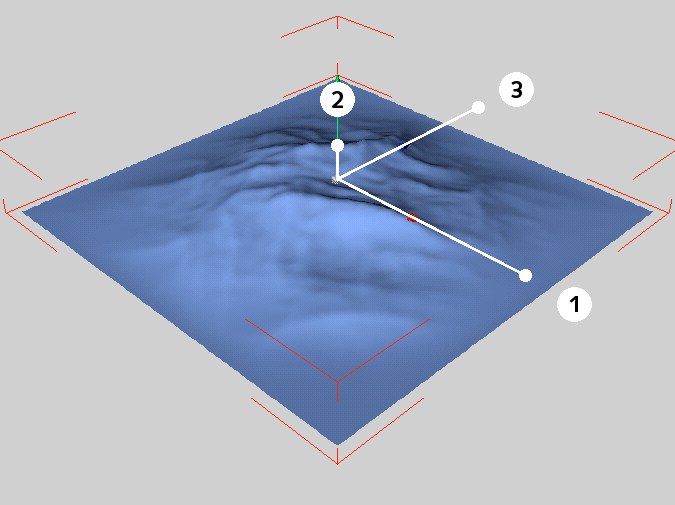 The handles of the landscape primitive.
If Spherical is enabled, only one handle appear:
- Drag handle (4) to change the globe's radius (half the width — the first Size value).
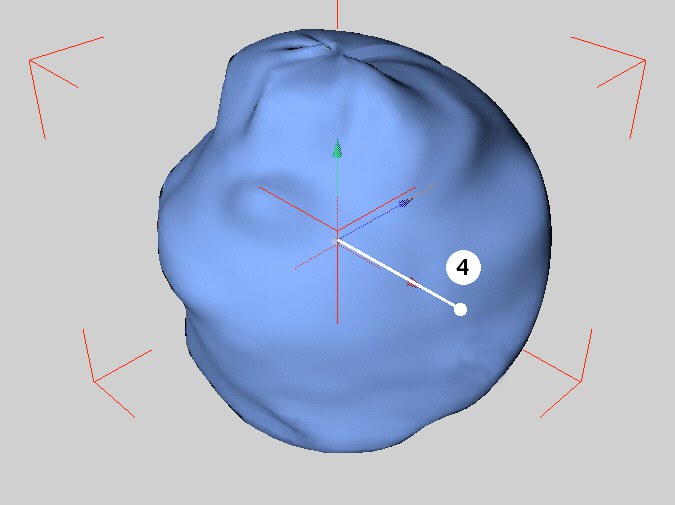 Alternative handles of the landscape primitive.