

Spline Bead Distribution
This page describes the Spline Bead Distribution asset for Cinema 4D, a node-based distribution used with the Cloner object in Advanced mode. It arranges clones along a spline like beads on a string, taking the size of the cloned objects into account and adding scaling and coloring controls beyond the Cloner's standard spline mode.
This distribution can be loaded directly via the Browse button of a Cloner Object if the Clone Object uses the Advanced mode. Copies can be arranged along an assigned spline, for example, like pearls on a string. Although this would also be possible in the Object mode of the Cloner object, the Spline Bead Distribution evaluates the size of the cloned objects and offers additional scaling and coloring options.
The splines along which the clones are to be placed must be grouped in the Object Manager as a child of the distribution.
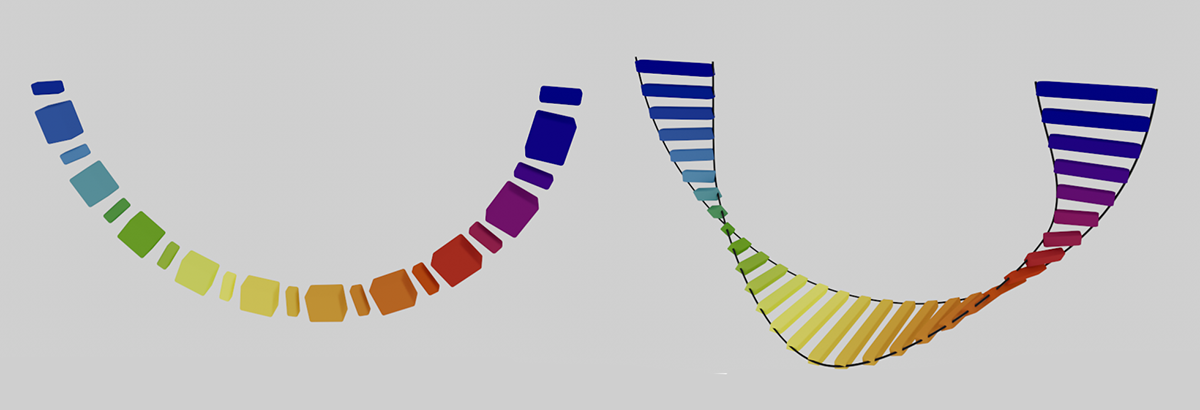 With Spline Bead Distribution, clones can be placed along a spline or between splines. Constant distances between the clones can be realized even with different clone sizes (left in the figure).