
Scatter Placement (Tool)
This page covers the Scatter Placement tool in Cinema 4D. It paints object instances onto surfaces without overlaps, storing them in a Scatter object for later editing — perfect for set dressing with plants, stones or props.

General
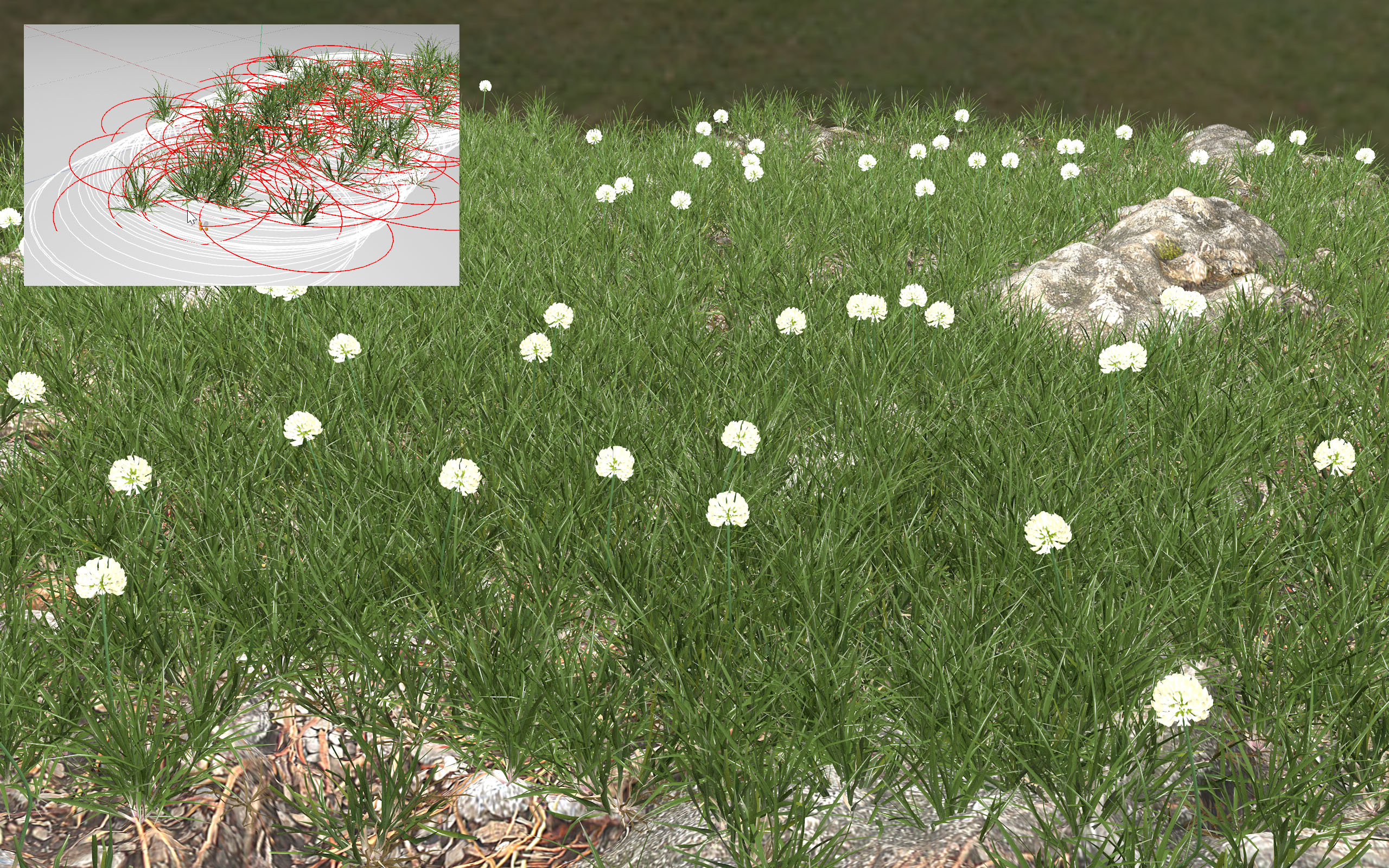 The Scatter Placement tool can be used to quickly and easily create entire meadows.
The Scatter Placement tool can be used to interactively distribute objects (as instances) across polygonal object surfaces randomly and free of overlapping, i.e., to paint them onto the surface. The result is a Scatter object that internally saves the painted on instances. These can be modified and fine-tuned there, i.e., moved or deleted if you don't like the arrangement.
By default, instances will be arranged vertically (+Y lies perpendicular to the surface) with their X axis in the direction of the tool.
How to use
The default function of the tool is as follows:
Select the objects to be scattered, switch to the Scatter tool and modify the settings as desired and paint the objects onto the object surfaces of other objects. A Scatter object with the corresponding instances will be created. The settings for the brush stroke just completed can be subsequently fine-tuned.
If no Scatter object exists when the tool is implemented, a new one will be created. If on the other hand a Scatter object is already selected, its previously cloned objects will be used to "paint".