

Object Properties
If this mode is selected, each child object will be viewed as an individual clone. Use this mode if you want to open an old scene where no MoGraph was used and want to now let Effectors affect certain objects within this scene.
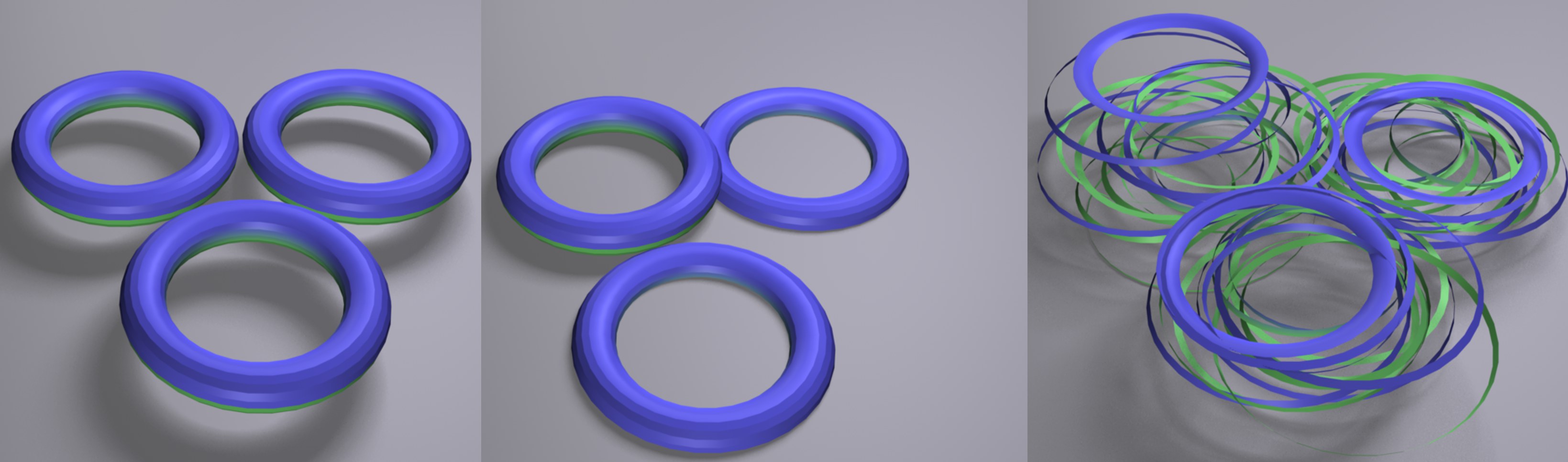 From left to right: initial state, Straight and Explode Segments modes. Note that the ring was previously broken down into its individual parts using the Loop Selection tool and the Dissolve command. Three Torus objects lie beneath the Fracture object.
When this mode is selected, spline segments and unconnected polygon objects’ Explode Segments will be viewed as clones. Internally, the same functionality as in the Explode Segments function is used.
This option can be used to create nice explosion effects.
In this mode, a subsequent optimization is carried out after the segments have been exploded that fuses overlapping vertices. This is basically a left-over mode that dates back to the time when Extrude objects still had separate Caps surfaces in Cinema 4D.