
Options
This option ensures that the straightened edges run either perfectly horizontally or vertically. Otherwise, only a straight-line arrangement between the endpoints of the selection is calculated.
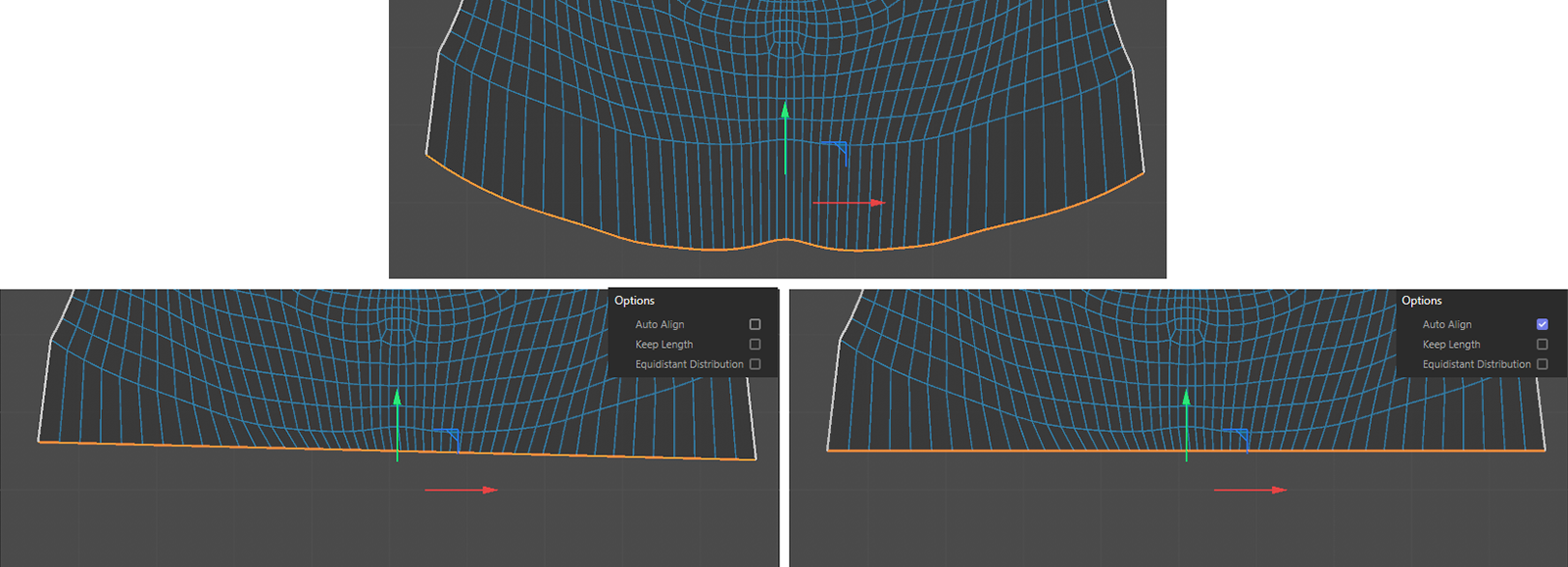 The top half of the image shows the initial state with edge selection. On the left is the result without Auto Align, and on the right is the result with Auto Align.
If this option is enabled, the original length of the selected edges is retained and applied to the straightened result. Otherwise, the original point positions are simply shifted to the calculated straight line.
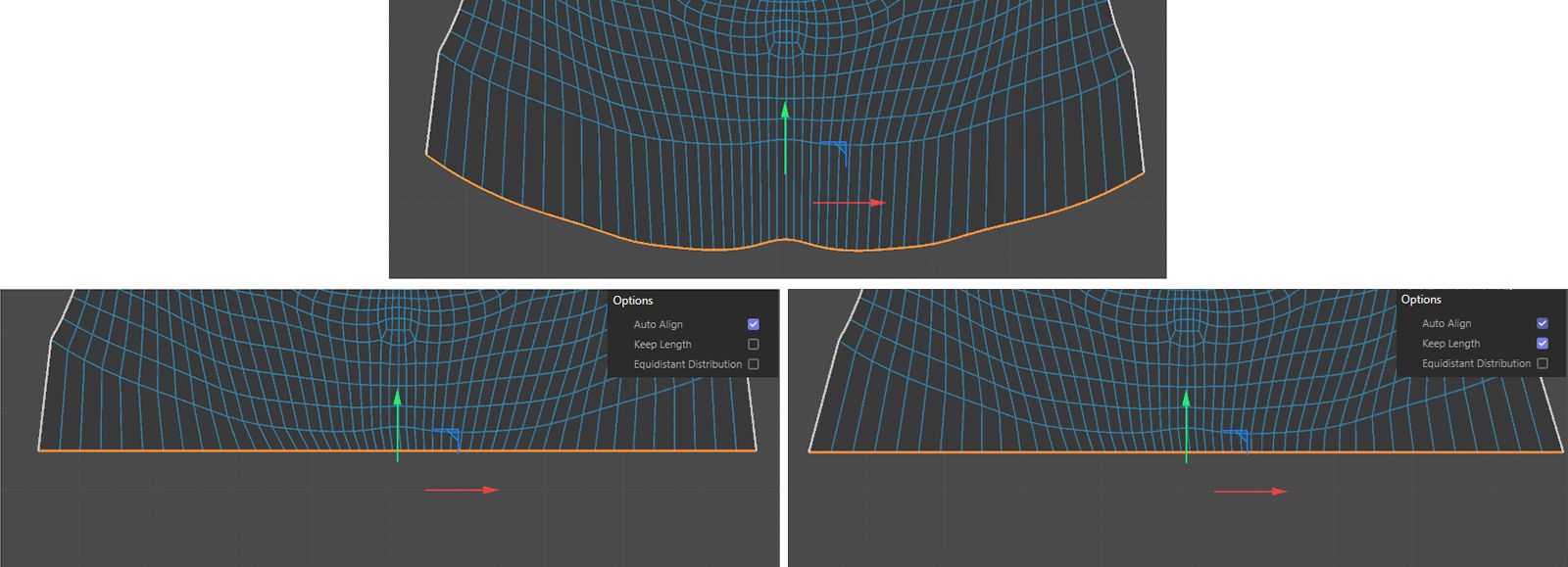 The top half of the image shows the initial state with edge selection. On the left is the result without Keep Length, and on the right is the result with Keep Length.
When this option is enabled, all edges are created with the same length, dividing the line into segments of exactly equal size.
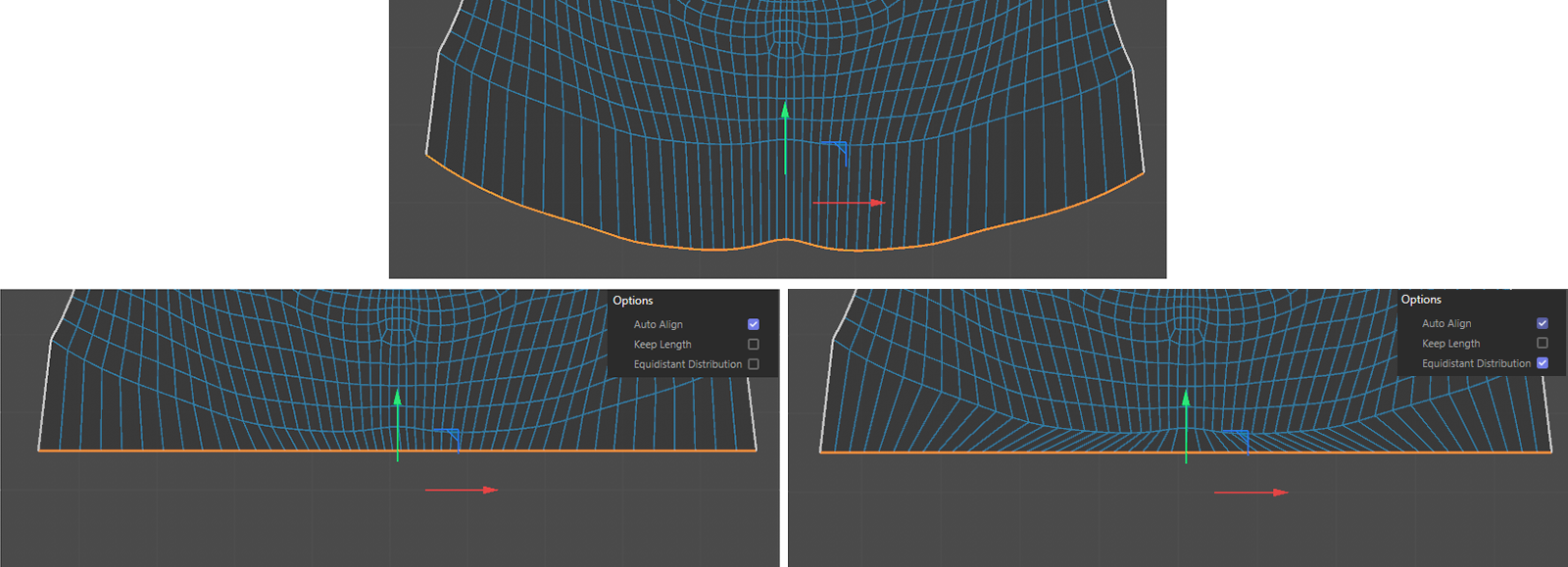 The top half of the image shows the initial state with edge selection. On the left is the result without Equidistant Distribution, and on the right is the result with Equidistant Distribution.