

Invert Color
What is it about?
This page describes the Invert Color node of the classic node materials in Cinema 4D. It inverts each color channel (100% minus value) — negatives and flipped masks directly in the material graph.
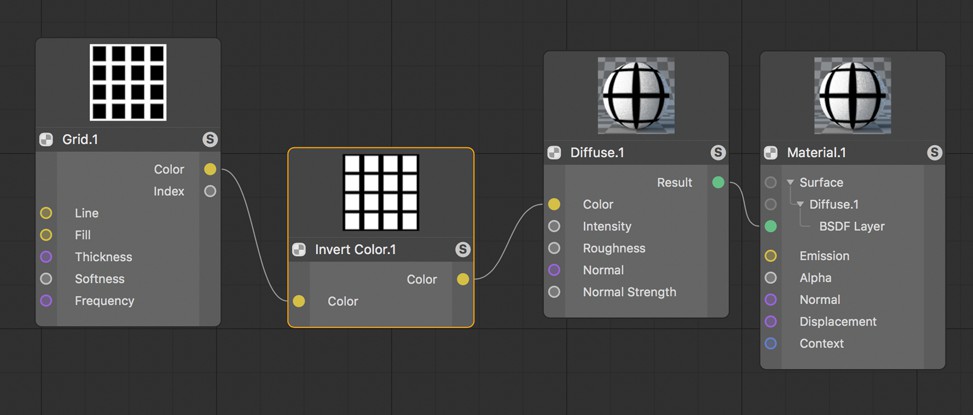 Inverting colors can also be applied to grayscales, for example, to invert the result when creating a mask.
This setting inverts the color values that are input. All color components for red, green and blue will be calculated separately according to the formula new color component = 100% - old color component. If color components that are input have an excess of 100% intensity. These will be clamped in order to avoid negative values in the result.