

Trim Spline Modifier
What is it about?
This page covers the Trim Spline Modifier, a node-based asset capsule in Cinema 4D. By animating where a spline starts, ends or splits, it enables classic write-on effects, growing paths and traveling gaps — controlled in absolute units or as a percentage of the spline length.
Note:There are also Cineversity videos for these special Node capsules, which demonstrate their practical use. Follow this link to the corresponding overview page.
Splines can be processed with this node and their length can be changed individually. A spline can also be split at any point. The position of this gap can be animated automatically over the course of the spline. All settings can be made as absolute distances or as a percentage of the total length of the segments or the total length of the spline.
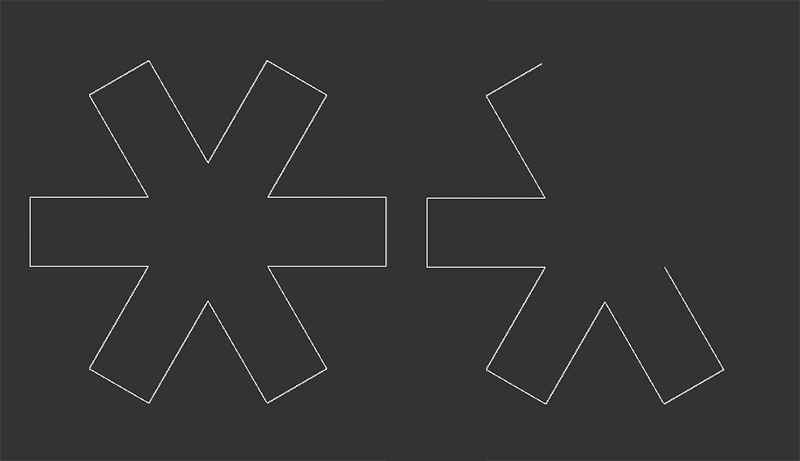 The starting spline, a square star, can be seen on the left. On the right-hand side, the start and end points of this spline have been reset, creating a gap in the course of the spline.