
Wallpaper
Wallpaper
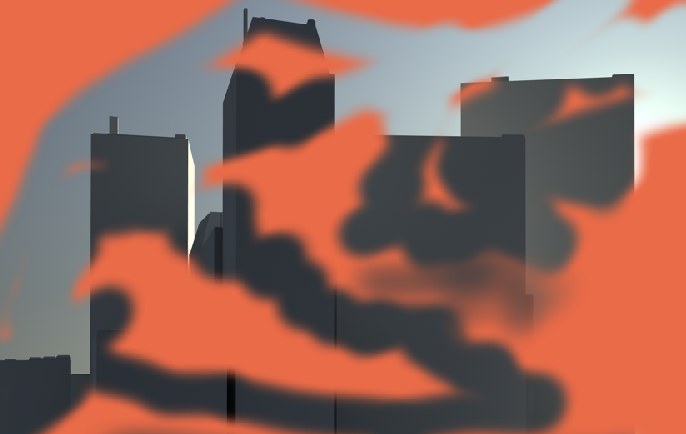 Using Wallpaper you can quasi paint a background image free.
Click on the black arrow to either load a texture (Load) or to define the currently opened texture or a part thereof (applies to active selections (Load From Selection/Texture) as a Wallpaper.
To blend a color with the wallpaper, define a color in the color pane and use the slider in the Wallpaper pane to set the blend strength.
Also, you can choose from the full complement of blending modes — see Blending Mode.
Do not shy from experimenting with combinations of color, wallpaper and blending mode. A vast array of effects awaits you!