

Bump Map
What is it about?
This page describes the Bump Map node of the classic node materials in Cinema 4D. It converts textures into normal perturbation for fine relief — scratches, pores and grain without extra geometry.
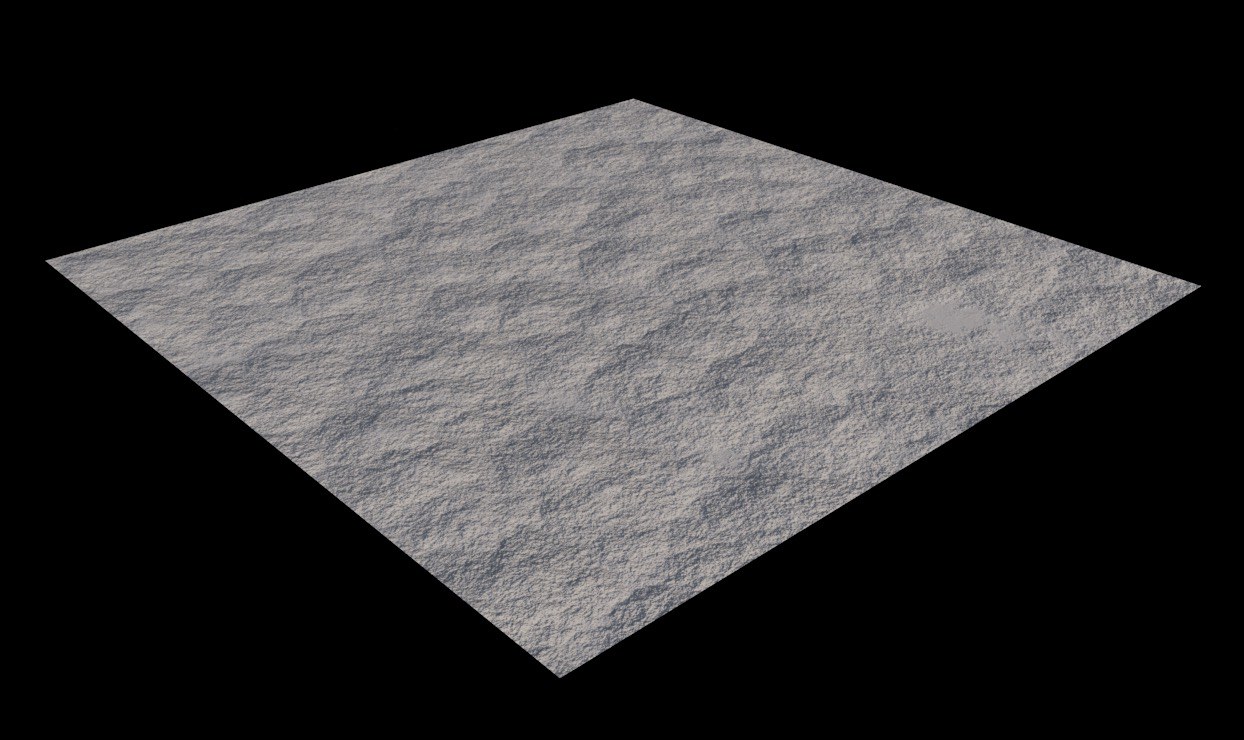 Comparable to the Normal Map effect, a bump map can also be used to affect the surface Normals and to simulate fine irregularities and structures of a surface. In the case of the bump map, however, only grayscale values can be evaluated, which in themselves cannot contain any information about the slope of a surface. These are derived from the input gradients at render time. A Normal map has advantages here, because it contains RGB values and can precisely define the direction of a given Normal.
Note:
This Node is only available when editing a classic Cinema 4D Node Material.
Manipulating the surface Normals changes the shading of the surface. Fine irregularities such as scratches, pores or, for example, a wood grain, can be simulated without having to change the geometry of the object. However, since this is only a shading effect, the shape of the geometry will not change in the process. By default, light areas appear raised on the surface, while dark areas appear deepened.