
Inputs
This polygon geometry will be modified by the Node.
Here you can select how the polygon density or the new number of polygons should be defined. The following modes are available:
-
Polygon Count: You define an absolute polygon count that should be reached. The actual number of polygons created can deviate from this, e.g., by using the adaptive function.
-
Mesh Density: This mode provides a percentage value that you can use to indirectly set the new polygon count. The initial polygon density on the input geometry will be used as a basis.
The polygon size and thus the density of new polygons can additionally be controlled via a weighting map. Here you can enter the name of the Weighting or Vertex Map The effect of these output values can also be adjusted via the Density Scale value.
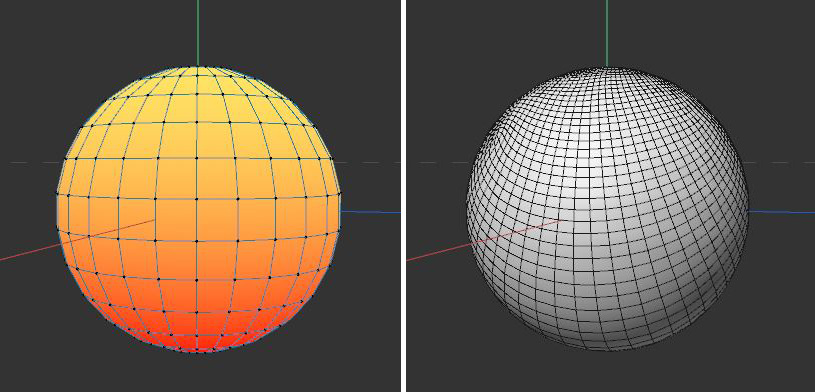 In this example, an additional point is added to a rectangle spline.
When using a weighting or vertex map, their values can be scaled with this.
Normally, the Node will try to compute a uniform polygon distribution, producing only square polygons of approximately identical size.
However, the polygon size can also be adaptively adjusted, which can then also create irregularly shaped polygons. This lets you reduce the overall number of polygons.
Here you control the scale of the adjustment of the polygon sizes and shapes.
This option helps to preserve shapes with hard edges in particular. Otherwise unwanted rounding can occur.
The arrangement of polygons and polygon loops is automatic and can therefore be irregular and asymmetrical even for symmetrical objects. You can, however, help the Node in its evaluation of symmetrical shapes by defining the orientation along which a symmetry exists.
These options can be used in any combination and result in a corresponding symmetry in the output geometry.
Note that if a Density Map is used at the same time, its evaluation may be overwritten by the symmetry.