Explosion
This page covers the Explosion deformer in Cinema 4D. It bursts an object radially into its individual polygons from a center point — a simple, fully keyframeable explosion without any simulation setup.

The Explosion object has no box as a boundary, only a center point. From this, the initial object explodes radially by being dissolved into all its polygons. Use the orange handle to interactively determine how far the object should explode. You can animate the explosion in the Timeline. For example, key number one has 0% Strength and key number two has 100% Strength - then the object explodes completely. If you exchange the keys, it explodes backwards (implosion) - for example, a logo can be assembled from many small individual parts into its entirety.
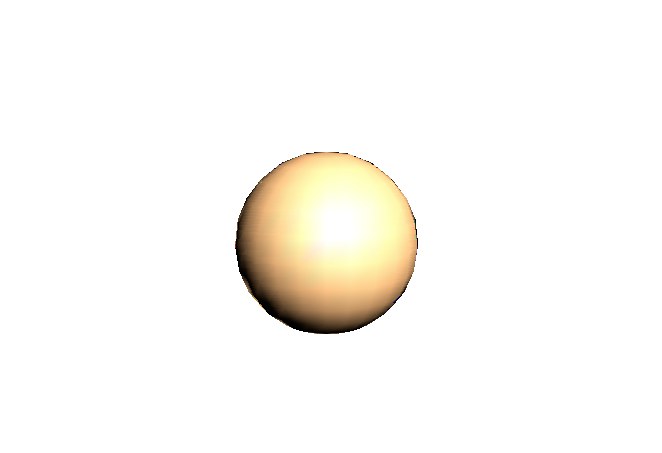 Sphere before the explosion
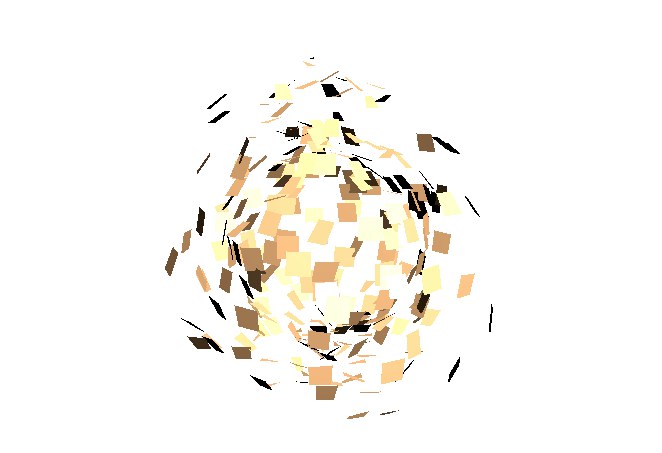 Exploding sphere
Example